
Datadog integration
The Datadog integration allows you to embed StatusGator monitoring data directly into your Datadog dashboards using an iframe widget. This gives your team a unified operational view by displaying StatusGator incident and monitoring information alongside your Datadog metrics and observability dashboards.
With this integration, you can surface real-time service status, incidents, and component health inside Datadog for easier troubleshooting and faster visibility during outages.
Features
- Embed StatusGator directly into Datadog dashboards
- Display incidents, monitors, and component status in real time
- Seamless iframe-based integration
- Datadog-native dashboard experience
- Share operational visibility with engineering and support teams
- Works alongside your existing Datadog monitoring setup
Set up the Datadog integration
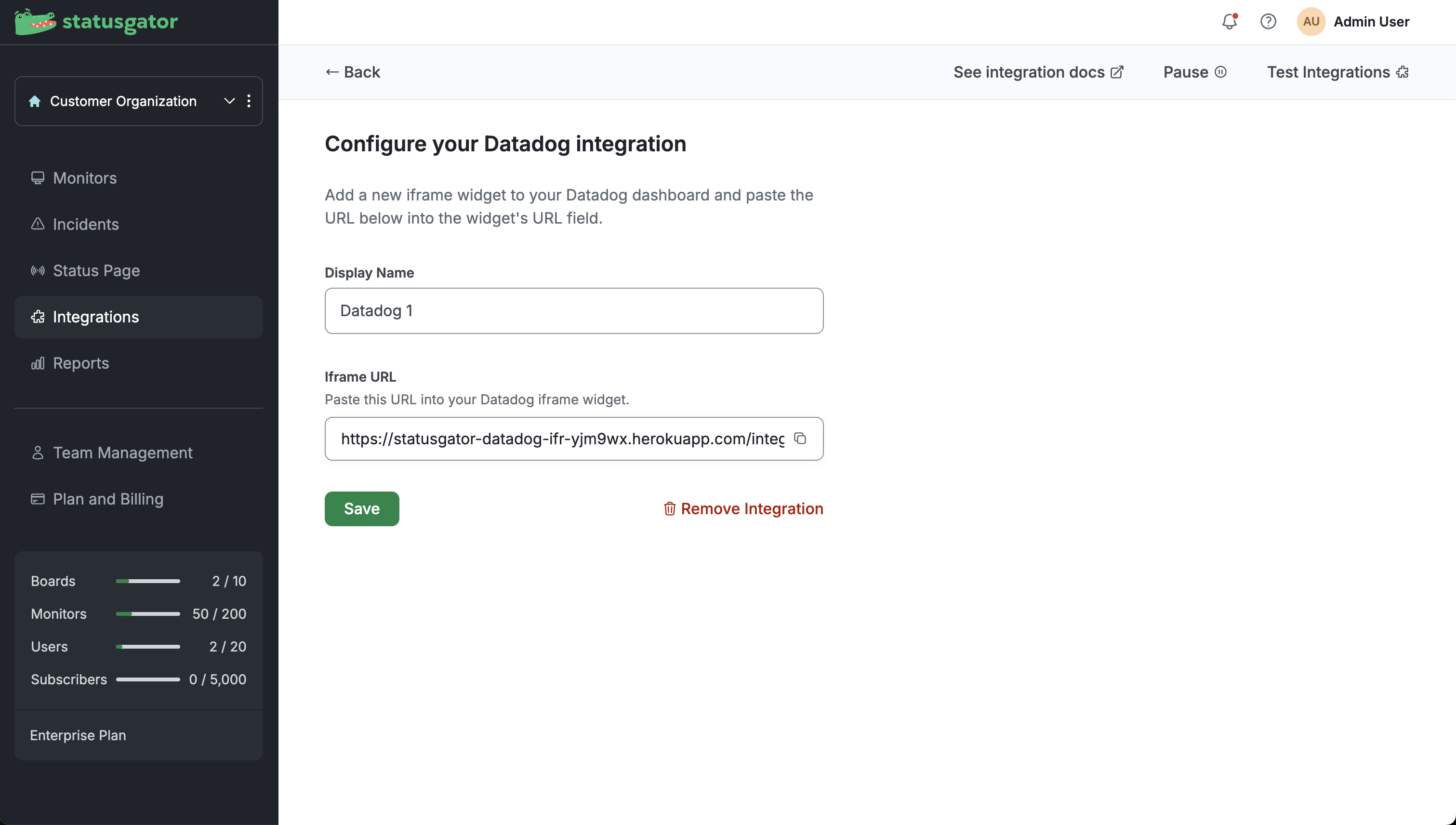
- In StatusGator, navigate to Integrations.
- Find Datadog and click Add.
- Copy the generated Iframe URL.
- In Datadog, open the dashboard where you want to display StatusGator data.
- Add a new Iframe widget to the dashboard.
- Paste the StatusGator iframe URL into the widget’s URL field.
- Save the Datadog dashboard.
After saving the widget, you can resize and reposition it within your Datadog dashboard for a better viewing experience. Use the resize handles in the bottom left and bottom right corners of the Datadog iframe widget to make the embedded StatusGator dashboard wider or taller depending on your layout and monitoring needs